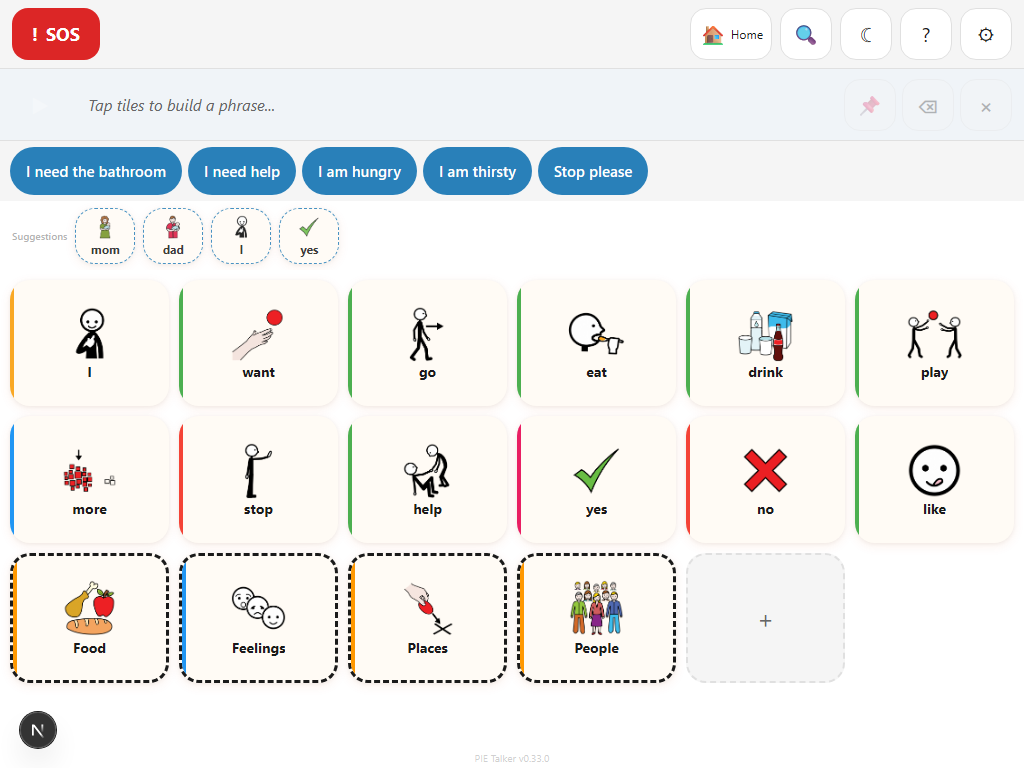
Tap a tile. Hear a word.
Pie Talker is a free communication app for anyone who needs a voice. Open a link, start talking. Works on any device with a browser.
Set up in two minutes. No accounts. No downloads.
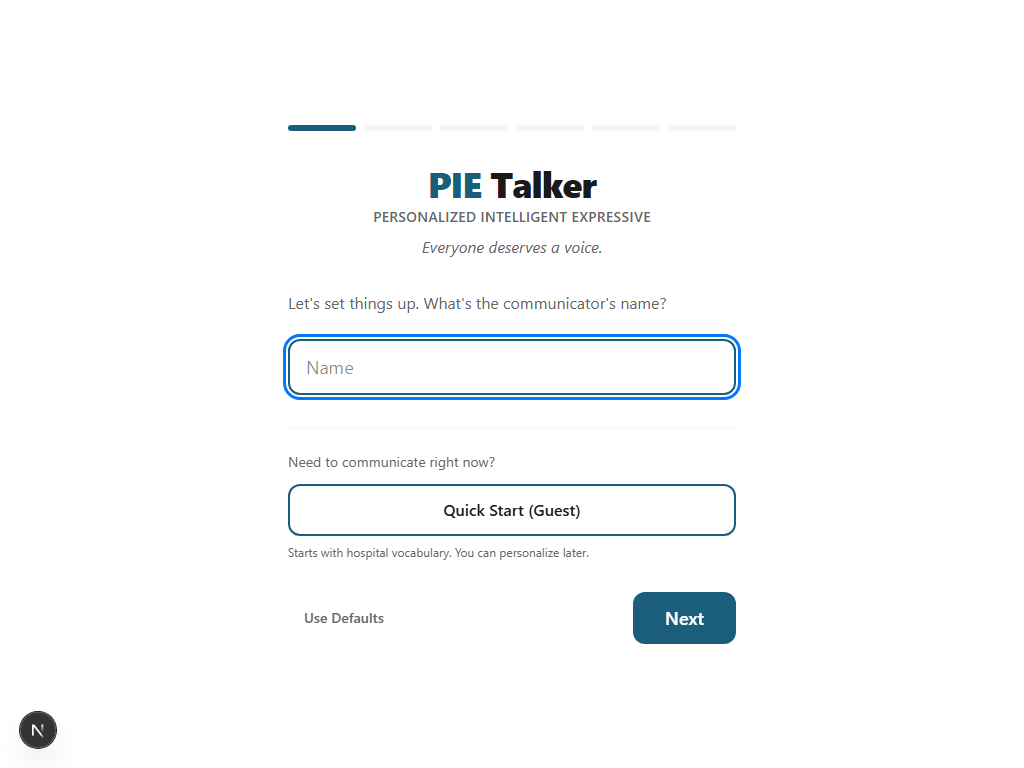
A quick setup, then you're talking
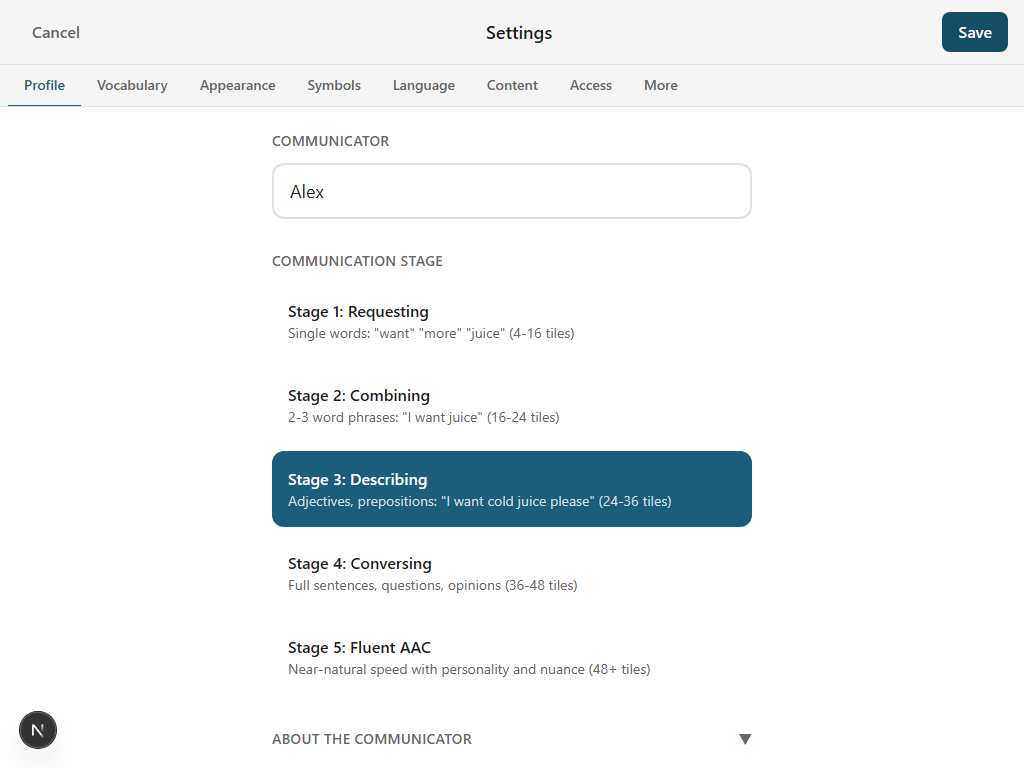
The wizard asks a few questions—name, communication stage, vocabulary packs, language, and a look & feel preference. Under a minute. Then you're on the communication screen.
Add family members, pets, and interests during setup and the app automatically creates personalized tiles with their names.
Learn more →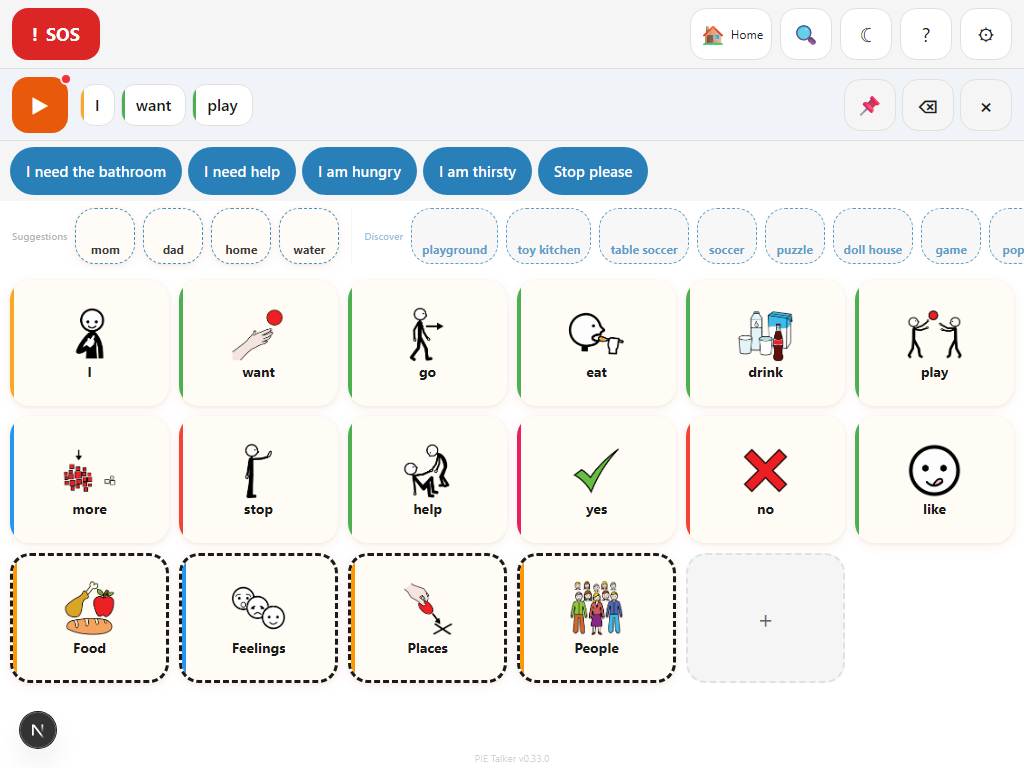
Tap tiles, build phrases, speak
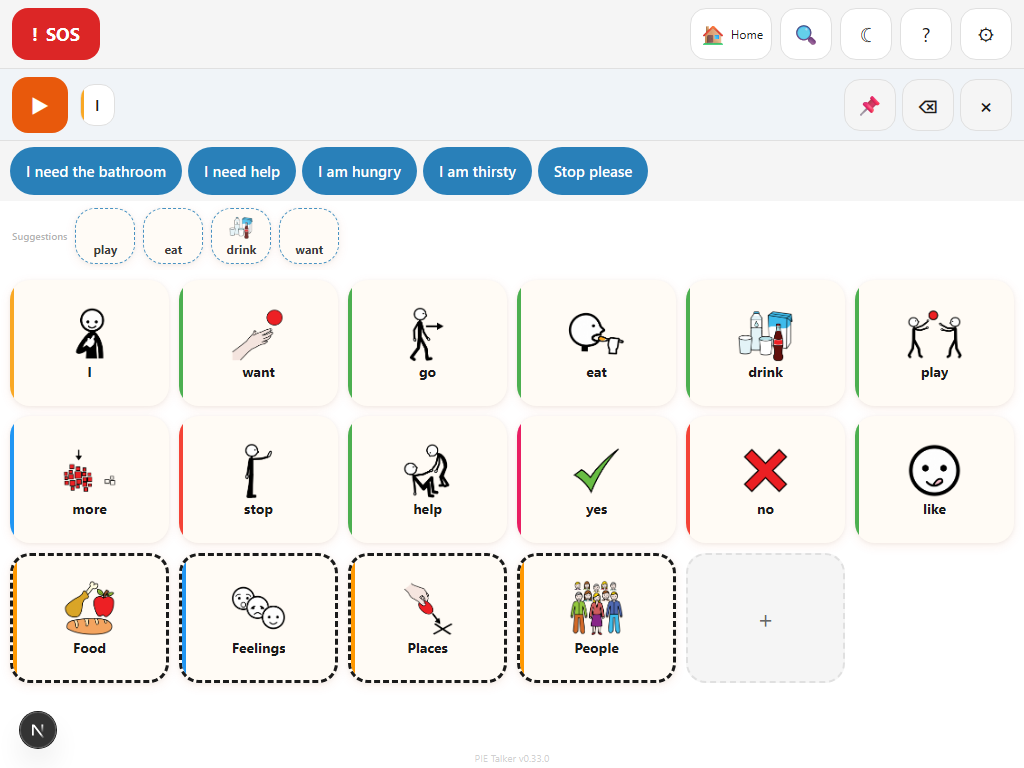
Tap any tile and it speaks the word. Tap multiple tiles to build a phrase in the strip at the top, then hit the green Speak button to hear it as a sentence.
Quick phrases sit above the grid for one-tap access to things you say every day.
Learn more →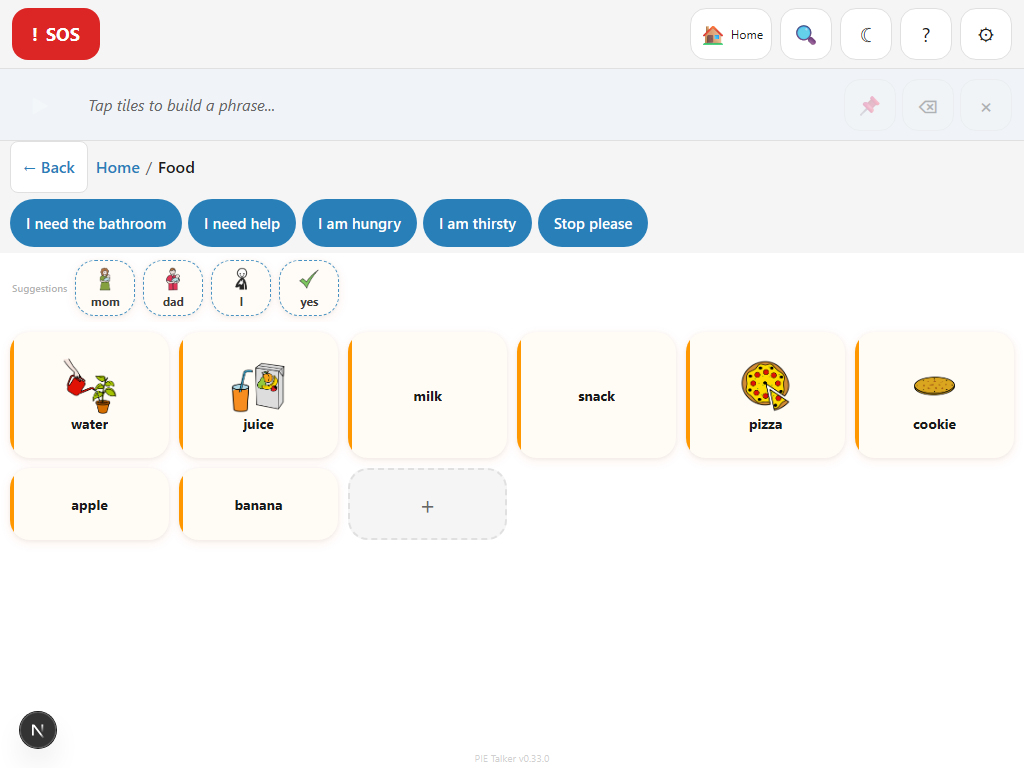
Organized into folders
Vocabulary is organized into folders—Food, People, Feelings, Actions, and more. Tap a folder to open it, use the breadcrumb trail to jump back. Search across the entire vocabulary tree to find any word instantly.
Learn more →Simple on the surface. Powerful underneath.
The defaults work great without touching settings. When you need more, it's there.
Smart predictions
The prediction row suggests words based on what's been said before, the time of day, and the current situation. Tap a suggestion to add it to your phrase.
Turn on Enhanced Suggestions to see a Discover section with new words from the full ARASAAC library. Tap one to add it as a tile. The vocabulary grows naturally.
Learn more →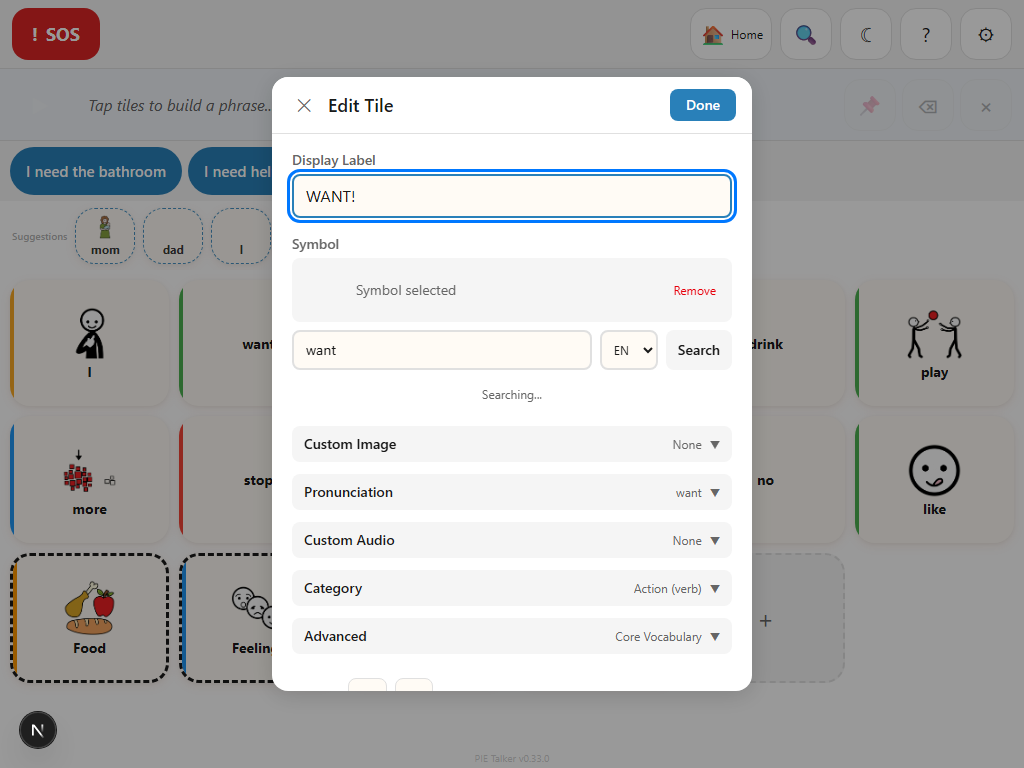
Customize everything
Long-press any tile to edit it. Change the label, pick from 13,000+ ARASAAC symbols, add a personal photo, fix the pronunciation, or record audio in anyone's voice.
- Personal photos—use the camera or upload from your device
- Pronunciation hints—type how it should sound
- Audio recording with trim—Mom's actual voice on the Mom tile
- Fitzgerald Key color categories
Make it yours
Four design styles—Playful, Modern, Classic, and High Visibility. Light mode, dark mode, or match your system. Pick an accent color. Choose OpenDyslexic or Lexie Readable fonts. Adjust the icon-to-label balance from symbol-only to text-only.
These are visual styles, not age categories. A 40-year-old can use Playful. A 12-year-old can use Classic. Whatever feels right.
Learn more →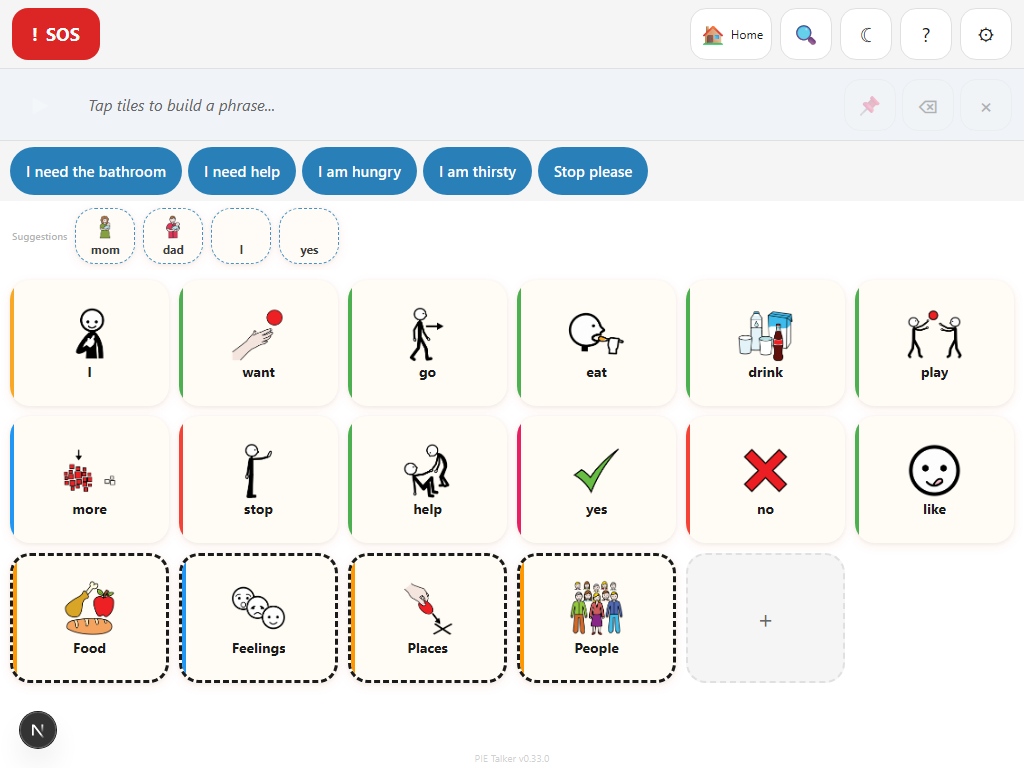
17+ languages and translator mode
Display tiles in one language, speak in another. A Spanish-speaking child reads tiles in Spanish; the device speaks English to the teacher. Turn on dual-language labels to show both languages on every tile.
Powered by ARASAAC—symbols are universal, labels switch per language.
Learn more →Everything else
Communication Stages
Five stages from single words to fluent AAC. Grid density and prediction adapt automatically as the communicator grows.
Life Context Packs
Core Communication, School Life, Social & Fun, Medical & Care, Independent Living, Workplace, Hospital & Acute Care, and more. Mix and match.
Board Templates
Pre-built boards for common needs—Starter, School, Medical, Social. Apply one and start with a full vocabulary, then customize from there.
Vocabulary Management
Add tiles, create folders, search vocabulary, and organize the entire communication board. Hide, move, or delete tiles as needs change.
Where I Am
Set the current situation—Home, School, Mealtime, Doctor, Playtime, and more. Predictions shift to match. 16 contexts available.
Emergency SOS
Always visible, always one tap. Speaks an emergency alert no matter where you are in the vocabulary.
Switch Scanning
Row-column, column-row, and linear scanning. Configurable speed, auditory cues, and acceptance delay. Works with any switch device.
Dwell Selection
Hover to select with a visual progress ring. For eye trackers, head trackers, or anyone who can aim but not click.
Content Controls
Caregivers toggle what vocabulary is visible—profanity, bathroom humor, sexual health, medical explicit. Anger and negative emotions are always available.
Works Offline
Load once, use anywhere. All vocabulary, settings, and cached symbols are stored on the device.
Caregiver Lock
Prevent accidental settings changes. No lock, long-press, or 4-digit PIN. The communicator can always tap and speak.
OBF Export
Export vocabulary as OpenBoardFormat JSON. Share boards with other AAC apps or other Pie Talker users.
Large Targets
Default touch targets exceed accessibility minimums. Switch to Large or Extra Large mode for even bigger tiles and buttons.
Any device with a browser
No app store. No downloads. Open the link and you're communicating.
Install it to your home screen as a Progressive Web App for a full-screen, app-like experience.
Built for anyone who needs a voice
Children & Families
From first words to full sentences. Life context packs grow with the communicator.
Teachers & SLPs
Share a URL, student is communicating. Works on school Chromebooks.
Hospitals
Open on any tablet. Patient communicates immediately. Pain scales, medical needs, translator mode.
Stroke Recovery
Rebuild speech at your own pace. Communication stages match where you are today.
ALS & Progressive Conditions
Record your voice while you can. Input methods adapt as abilities change.
Multilingual Communication
17+ languages. Translator mode bridges the gap without an interpreter.
Free. No catch.
Pie Talker is free for individuals and families. All features. All languages. All accessibility modes. No trial period. No feature gates. No subscription.
Organization and enterprise tiers for schools, hospitals, and therapy networks are coming soon.
Open Pie TalkerTwo minutes to your first word
No accounts. No downloads. Share a link and start communicating.
Start Talking — Free